Watch what matters.
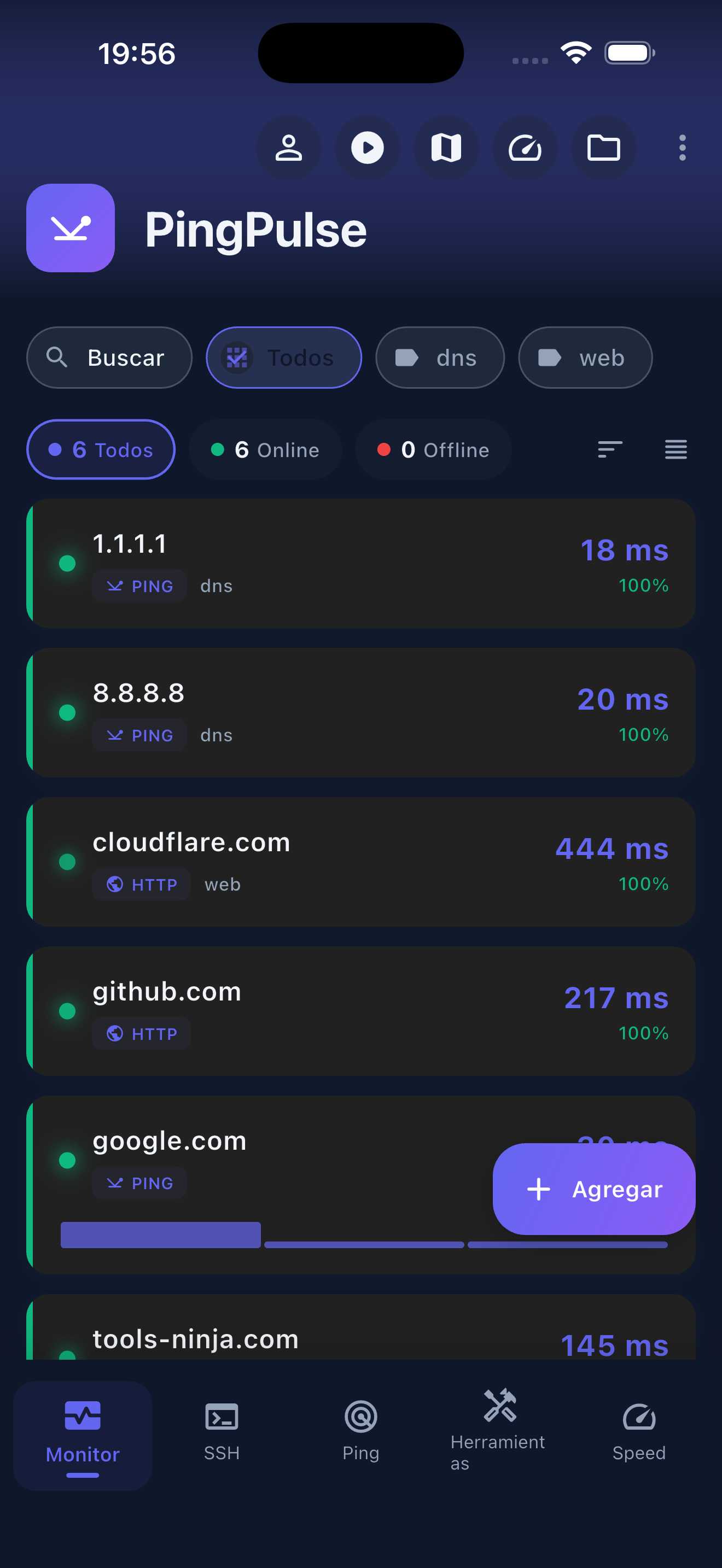
Group servers, websites and ports. Check latency, availability and history to understand what is happening.
 PingPulse by Tools Ninja
TOOLS NINJA / PINGPULSE
Know when something goes down. Find out what happened and connect to your machines, all from one place.
Coming soon · Built for iPhone and iPad
FROM ALERT TO ANSWER
Group servers, websites and ports. Check latency, availability and history to understand what is happening.
Outage and recovery push alerts for your remote monitors. Check your machines at a glance with widgets.
Ping, LAN scanning, DNS lookups and port checks. Network diagnostics together on your phone.
An SSH terminal, SFTP transfers and Wake-on-LAN for the moments when you need to take action.
MORE ROOM FOR YOUR NETWORK
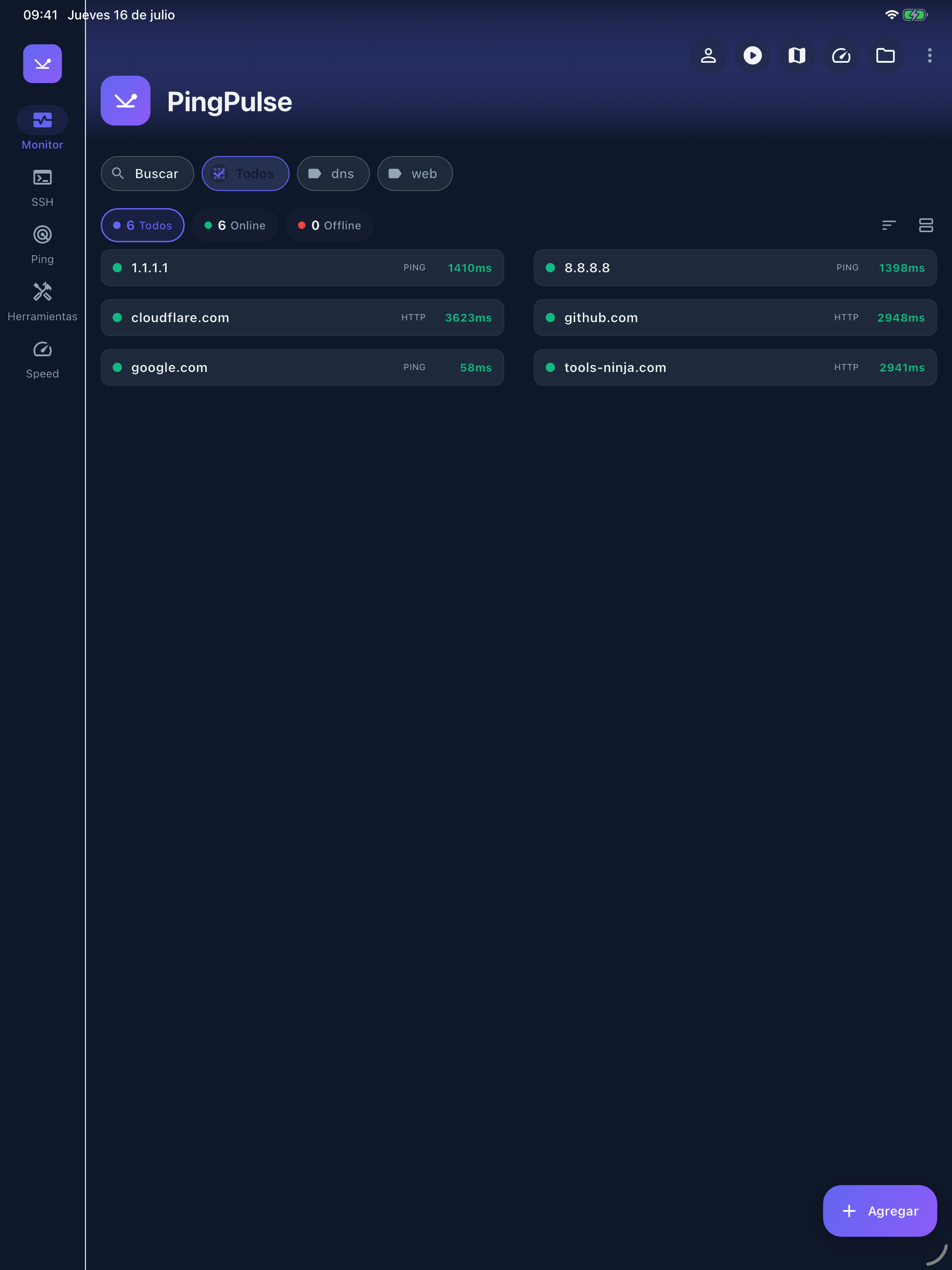
Organize your monitors and review their status in an interface adapted for iPad. At home, in the office or beside the machine you are troubleshooting.
PART OF TOOLS NINJA
Downloads will be available when the app is released.